


Page 1 - Lesson Note
P. 1
Computer Science
Chapter – Data File Handling
Topic: Text Files
Class – XII
Need of Data File
Program executed till date run for a short period of time and when they end data
disappears.
Need of a file is to store data permanently.
In case of I/O operations input is done from these files and output is also written to the
files.
File
A FILE is a sequence of bytes or data stored on a permanent storage device (HD), which can
be read, written or rewritten according to requirement.
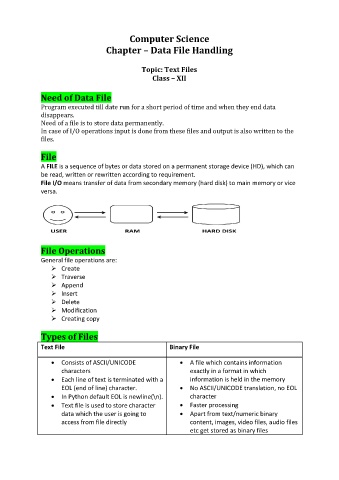
File I/O means transfer of data from secondary memory (hard disk) to main memory or vice
versa.
File Operations
General file operations are:
Create
Traverse
Append
Insert
Delete
Modification
Creating copy
Types of Files
Text File Binary File
Consists of ASCII/UNICODE A file which contains information
characters exactly in a format in which
Each line of text is terminated with a information is held in the memory
EOL (end of line) character. No ASCII/UNICODE translation, no EOL
In Python default EOL is newline(\n). character
Text file is used to store character Faster processing
data which the user is going to Apart from text/numeric binary
access from file directly content, images, video files, audio files
etc get stored as binary files

